Test Reader in Game
Enter the game's TEST mode
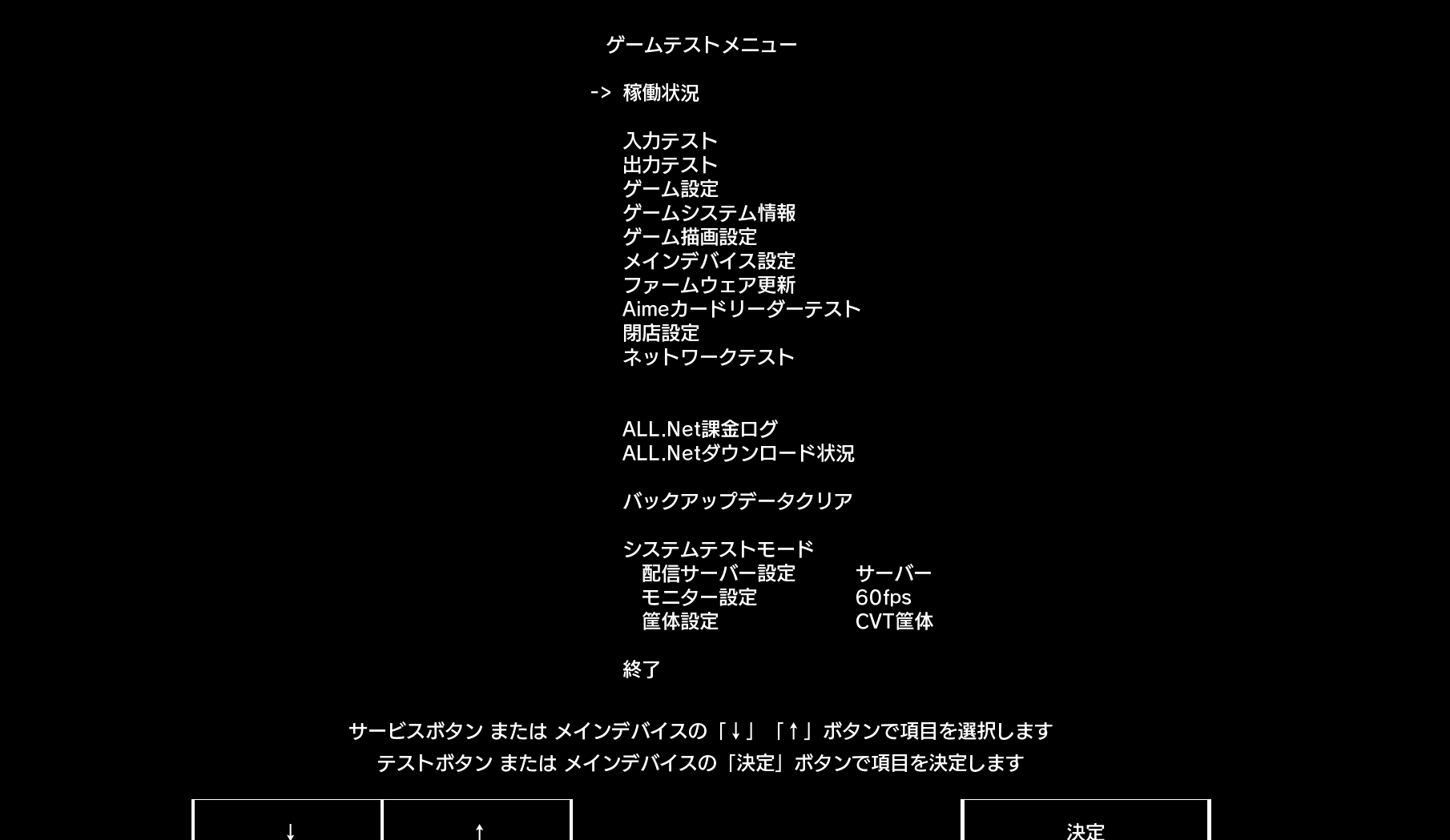
Depending on the game's operation method, select
Aimeカードリーダーテスト
After entering, you can perform card reading tests and LED tests
TIP
After closing Segatools' Aime hook, if both the software/hardware version numbers in the top two rows show no content in this test interface, it means the game has not successfully connected to the reader.